1
Choose your wake-up mission
Pick the mission, difficulty, sound, and time. Pro can stack up to five missions when one is not enough.
AlarmPop rings like a system alarm, then makes you beat a wake-up mission. Standard mode keeps one backup armed. Relentless Mode can keep bringing it back every 30 seconds.
Start with two active Math alarms, Siren, and Klaxon · Requires iPhone with iOS 26.1 or later.

AlarmPop turns waking up into a short challenge your half-asleep brain cannot complete by accident.
Pick the mission, difficulty, sound, and time. Pro can stack up to five missions when one is not enough.
AlarmKit gives AlarmPop the system alarm screen and the ability to ring through Silent mode and Focus.
Complete the mission or confirm Emergency Exit to clear the chain. Choose one Standard backup or 100 Relentless backups.
Real screens from AlarmPop show exactly what happens when the easy exits stop being easy.
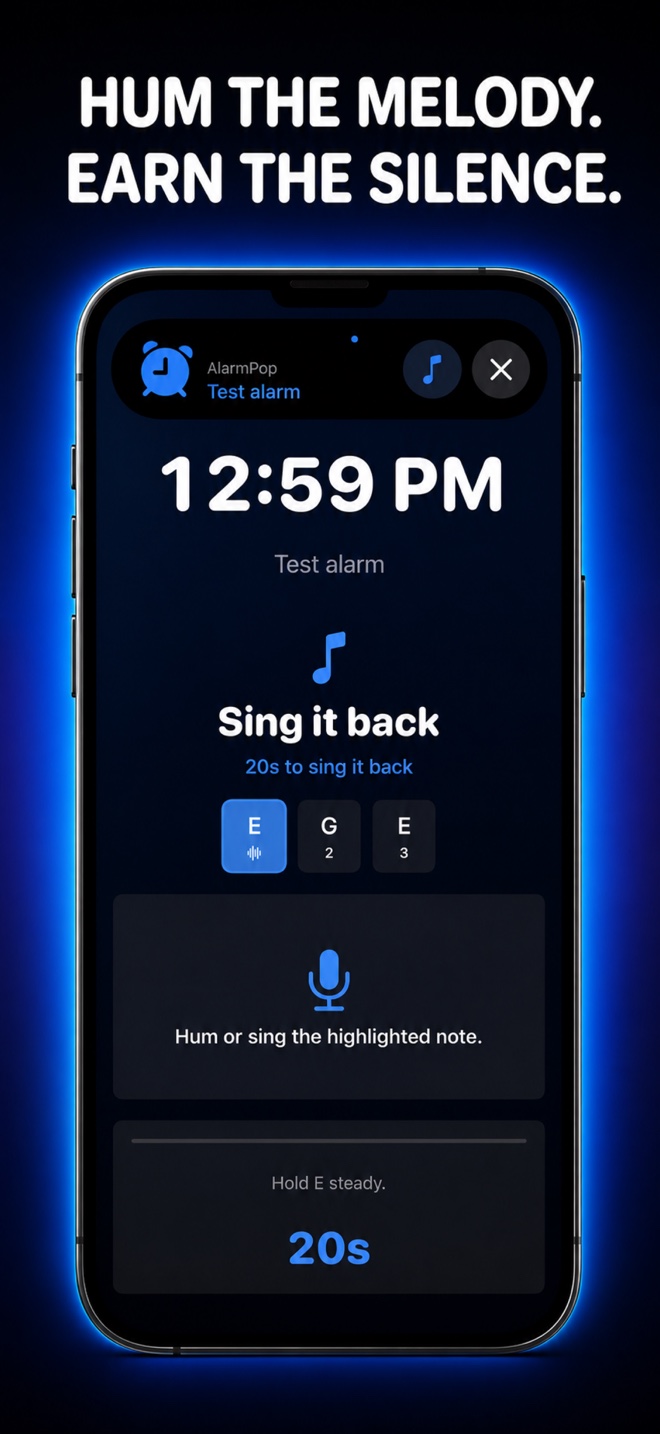
Hear a melody, then hum or sing each note back on pitch. Morning voice counts. Audio is analyzed on-device and never recorded.
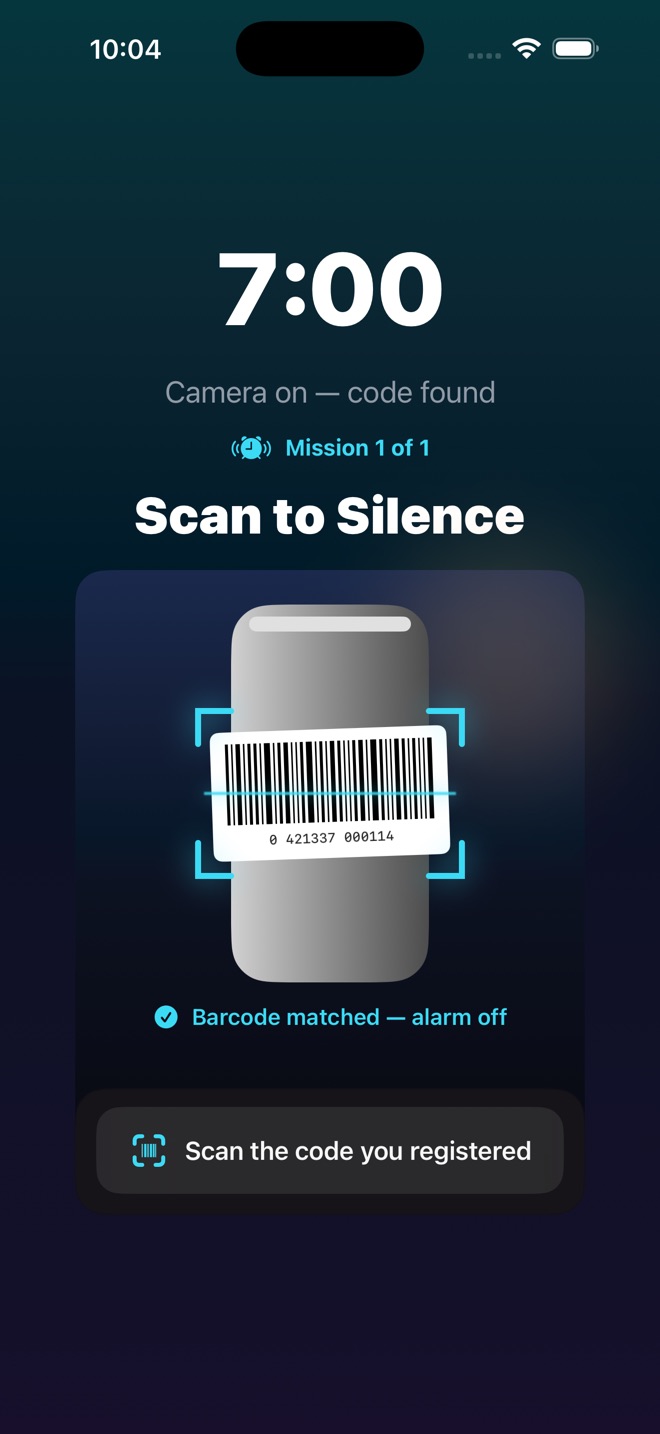
Register any barcode or a printable AlarmPop QR and stick it across the room. Scanning is the intended finish; a deliberate Emergency Exit remains available. No code registered? Any code works — the walk is the mission.
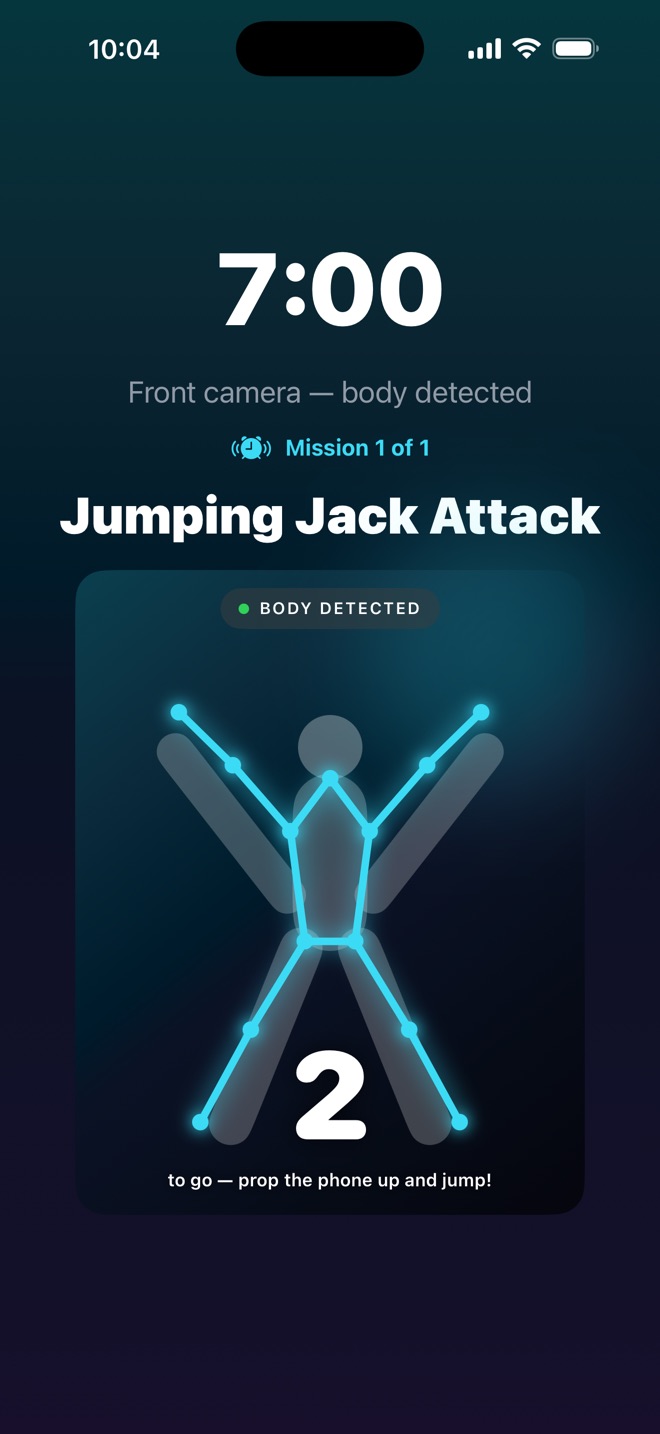
Prop the phone up and jump. The front camera counts your reps in real time — there is no faking a jumping jack half-asleep.
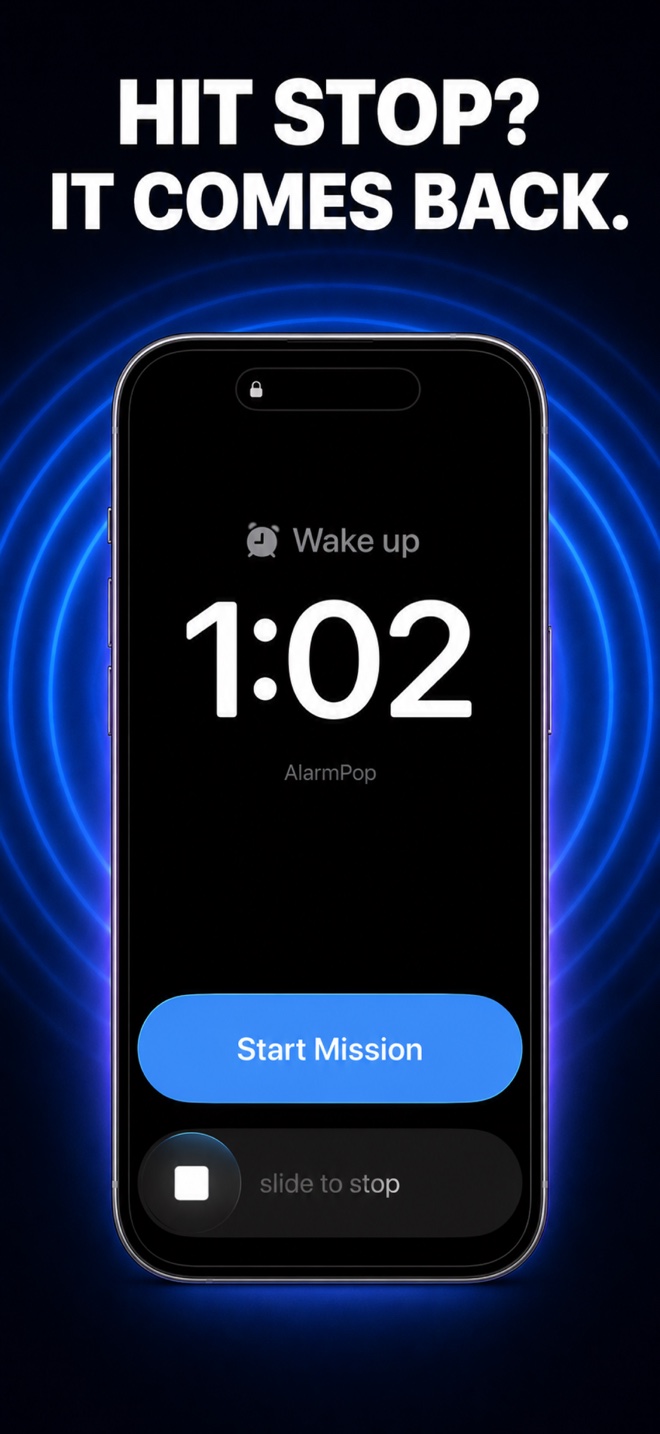
Turn it on per alarm to pre-arm 100 independent backups every 30 seconds for up to 50 minutes. Siren, Hornet, and Cataclysm rotate so one sound cannot become another snooze cue.
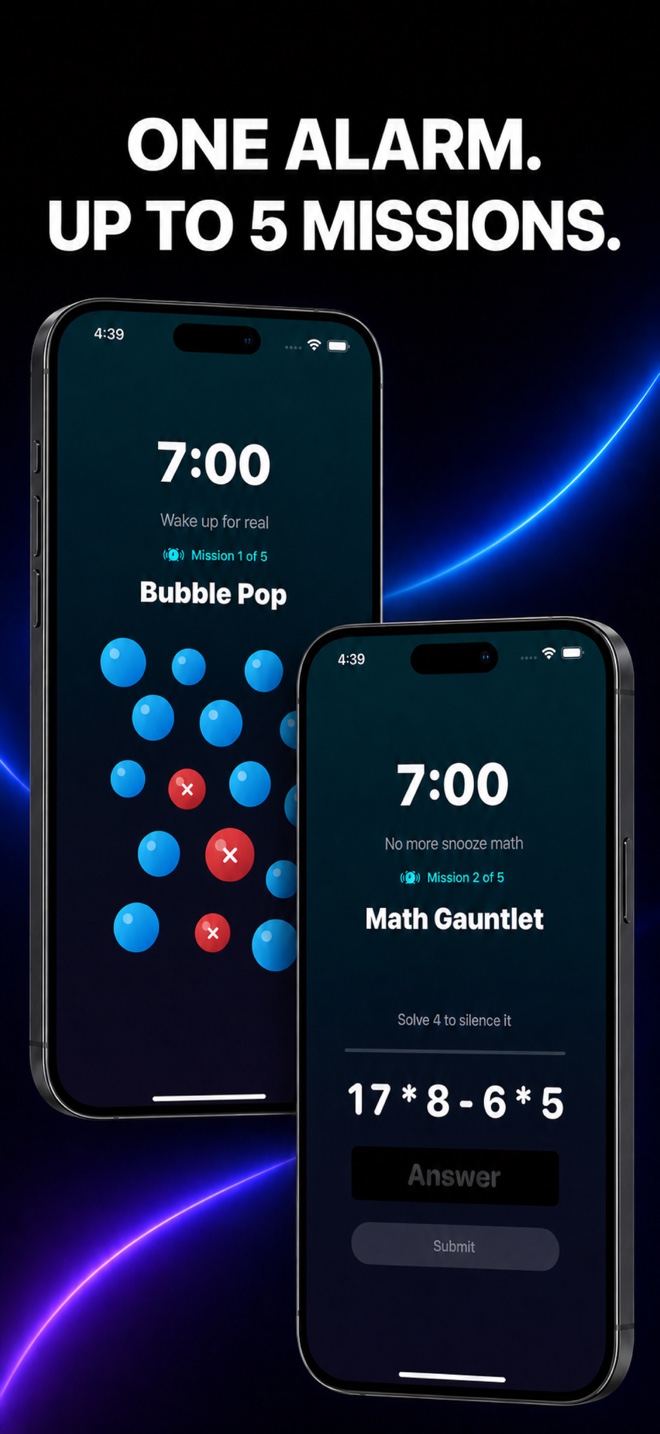
Chain multiple challenges together so one lucky tap cannot send you straight back to sleep.
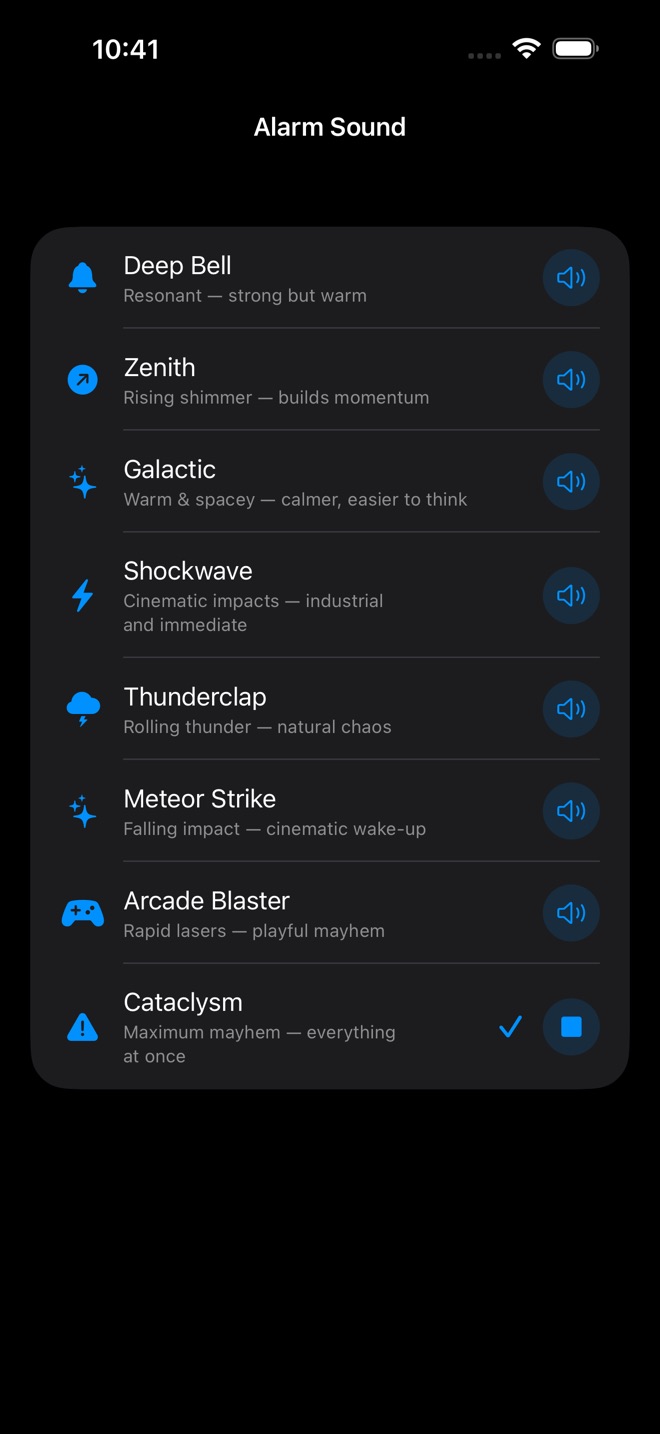
Preview every sound before choosing. The catalog runs from civilized pings to Cataclysm, including six 60-second compositions: Hornet, Rattler, Glitch, Tantrum, Meltdown, and Siren Mk2. The active mission sound ramps louder the longer you stall.
Every playable mission has five user-selected difficulty levels. Mystery Roulette chooses for you at ring time.
Clear every bubble. Dodge the red decoys.
Solve the run. Wrong answers add more.
Retype the full phrase exactly.
Match every pair before you can quit.
Watch the pattern, then repeat it.
Shake until the meter proves you moved.
Hit each target before it vanishes.
Hum the melody back on pitch.
Walk to your registered spot and re-photograph it. Matched on-device.
Scan the code you stuck across the room.
The camera counts your reps in real time.
Find out which mission you drew when it rings.
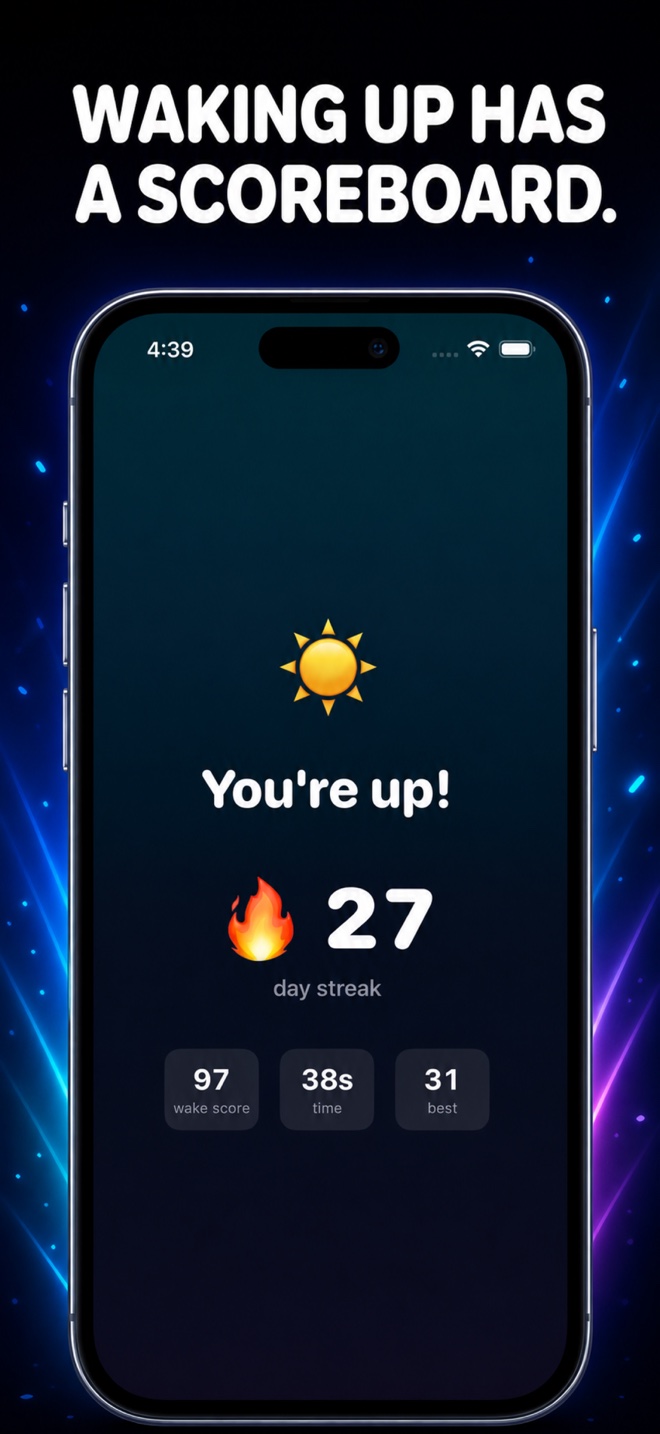
Each completed alarm builds a streak and Wake-up Score. Share the win if you want—or keep it private on your iPhone.
No accounts. No ads. No analytics. Your alarms, streaks, mission results, and microphone analysis stay on your iPhone. Sing It Back listens only during the mission and does not record or upload your voice.
Start with up to two active Math Gauntlet alarms at any difficulty using Siren or Klaxon. Pro unlocks unlimited active alarms, all 11 concrete missions plus Mystery Roulette, every sound, and stacks up to five missions.
AlarmKit system ringing, Standard and Relentless backup defense, Emergency Exit, streaks, and Wake-up Score work before you upgrade. You can also preview every sound and explore every mission.
Eligible new subscribers receive a $0.99 first week.
Eligible new subscribers receive a 3-day trial before the annual plan begins.
All Pro features, forever. No renewal.
Subscriptions renew automatically until cancelled. Current pricing and eligible offers are shown in the App Store and app.
Yes. AlarmPop uses Apple’s AlarmKit, which gives scheduled AlarmPop alarms system-level presentation through Silent mode and Focus when alarm permission is enabled.
The current alert can go quiet. Standard mode keeps one proven backup armed for about three minutes; optional Relentless Mode pre-arms 100 backups every 30 seconds for up to 50 minutes. Completing the mission or confirming Emergency Exit cancels what remains.
No. Standard Emergency Exit requires a 16-second hold plus typed confirmation. The optional Relentless exit can make you maintain contact with a moving target for 20 cumulative seconds before the same confirmation.
You can keep up to two alarms active using Math Gauntlet at any difficulty with Siren or Klaxon. AlarmKit ringing, both backup modes, Emergency Exit, streaks, and Wake-up Score are included. You can preview every sound and explore every mission; Pro unlocks the rest of the catalog, unlimited active alarms, and mission stacking.
No. It analyzes pitch on-device only while the mission is listening. AlarmPop does not record or upload your audio.
You select one of five levels when setting the alarm. AlarmPop does not secretly auto-calibrate or change that choice.
Once scheduled with AlarmKit, the system alarm remains registered independently of the app process. Your iPhone still needs power, alarm permission, and working system audio. For truly critical events, use a second device as a backup.
No. Snap the Spot matches your photo against your registered spot entirely on-device using Apple’s Vision framework — no AI service, no cloud. Photos never leave your iPhone.
Eligible new subscribers may see an introductory offer before the normal renewal price begins. Apple determines eligibility. Manage or cancel subscriptions in your Apple Account settings; Lifetime is a one-time purchase with no renewal.
Set the mission tonight. Thank yourself tomorrow.
Download AlarmPop →How AlarmKit enables system-level alarms · Why older iPhone alarm apps could fail · AlarmPop vs Alarmy · Why annoying beats merely loud · AlarmPop vs Awake · The QR code alarm that gets you out of bed · The jumping-jack alarm · The heavy sleeper's wake-up kit · A 7-step system for heavy sleepers · 7 alarms you can't sleep through